
Slate Viewer guide
Read AI output files locally on your Mac
AI tools often leave a file behind: a Markdown report, JSON export, JSONL log, or table to check. Slate Viewer opens those results locally in a quiet reader, so you can understand the answer before choosing what to do next.
Quick answer
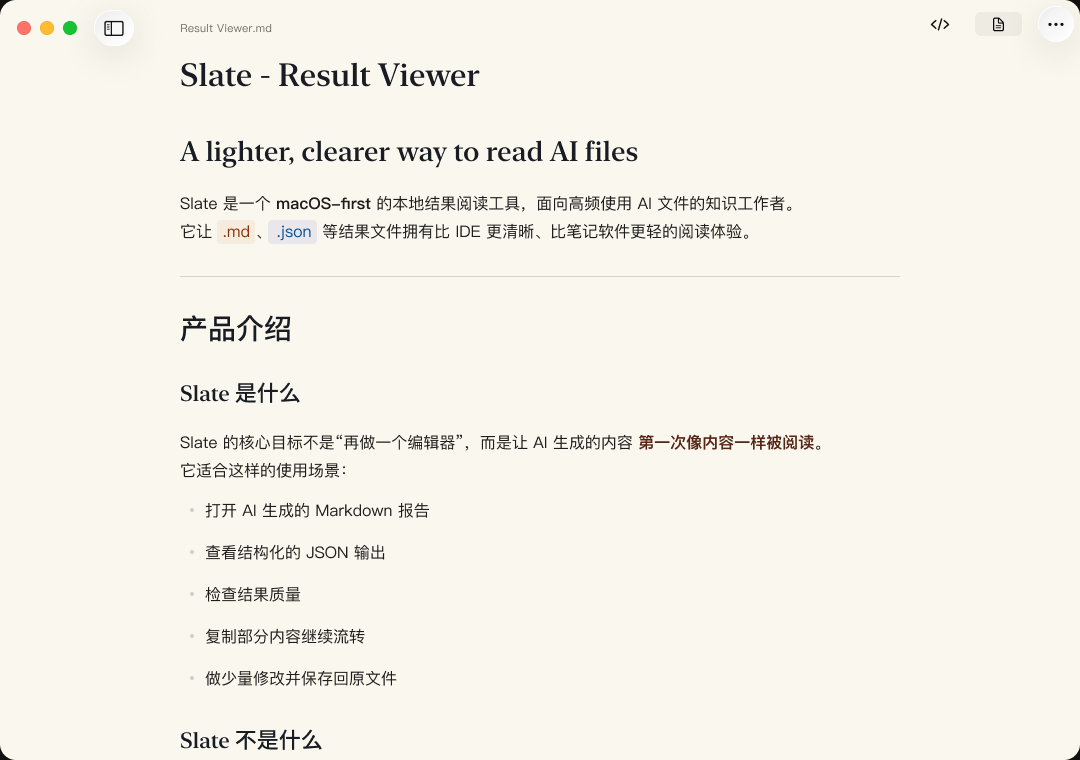
Slate Viewer is a native macOS reader for local files produced by AI tools. It opens Markdown, JSON, JSONL/NDJSON, TXT/LOG, CSV, and TSV, begins with a readable Preview, and keeps Raw source available for verification. Your document contents stay on your Mac by default.
The file is the result
Generated answers do not always stay inside a chat. Reports, logs, exports, and tables often arrive as files that still need to be read and checked. Slate Viewer gives those local results a clear reading surface without asking you to create another workspace.
A reader-first workflow
- Open locally. Use Finder Open With or open the file from Slate Viewer.
- Read Preview first. Start with structure and typography instead of a wall of source text.
- Check Raw when needed. Return to the exact source when a field, delimiter, or line matters.
- Make a small correction. Use Light Edit for supported files when a local text change is all the result needs.
Formats supported in Slate Viewer 1.4.1
- Markdown
- Reports, notes, and generated documentation, with Markdown Quick Look available in Finder.
- JSON and JSONL/NDJSON
- Structured output and line-delimited results with the original source close at hand.
- TXT/LOG, CSV, and TSV
- Plain-text output, logs, and delimited tables opened as local reading formats.
One reader for mixed AI output
A single AI task can leave a report in Markdown, records in JSONL, a summary table in CSV, and a run log in TXT. Slate Viewer keeps those files in one local reading workflow instead of turning every result into an IDE tab, browser upload, or new cloud workspace.
Local by default
Slate Viewer opens these files on your Mac. It does not upload document text, file paths, JSON fields, table cells, or clipboard contents to Slate Viewer servers by default. It also does not generate AI answers or sync your files to a cloud workspace.
Related guides
Slate Viewer for Mac